
Questionnaire
Questionnaire Results
Assess your library's priorities
By answering a few simple questions, you will receive tailored recommendations, tools and case studies suited to your context.

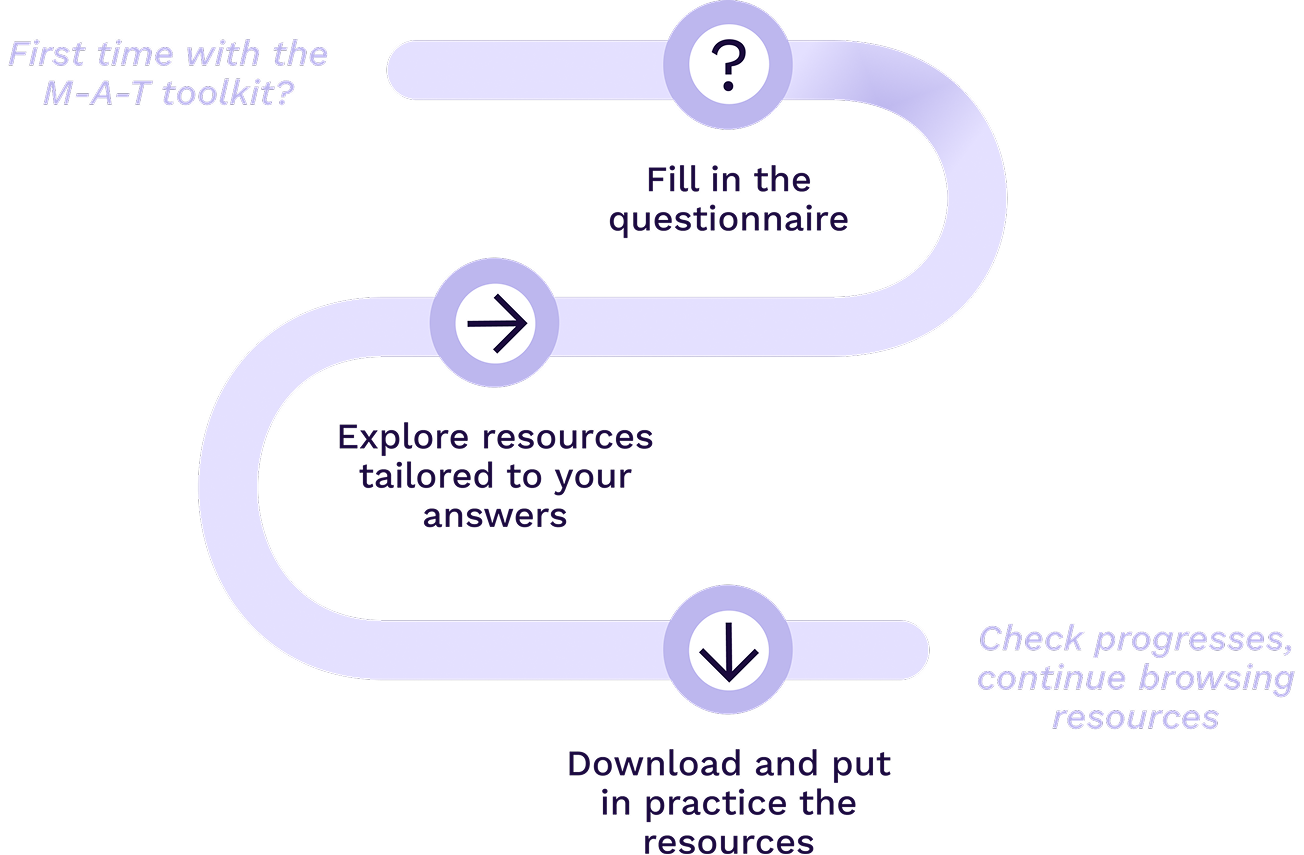

What to expect
The questionnaire maps your library’s experience and priorities across the six pillars of the make-a-thek approach: Physical Spaces, Tools & Machines, Materiality, Activities, Network and Communication. Each pillar is assessed independently across three evolving levels: Beginner, Intermediate and Advanced. The levels are not fixed categories or a ranking of libraries. They help you recognise your current situation, identify realistic next steps and discover relevant resources. You can repeat the questionnaire over time to reflect on progress and explore new areas for development.
Physical Spaces -
Start with an existing or temporary area, using simple and movable furniture. Define the purpose of the space, basic rules, accessibility needs, storage and safe circulation.
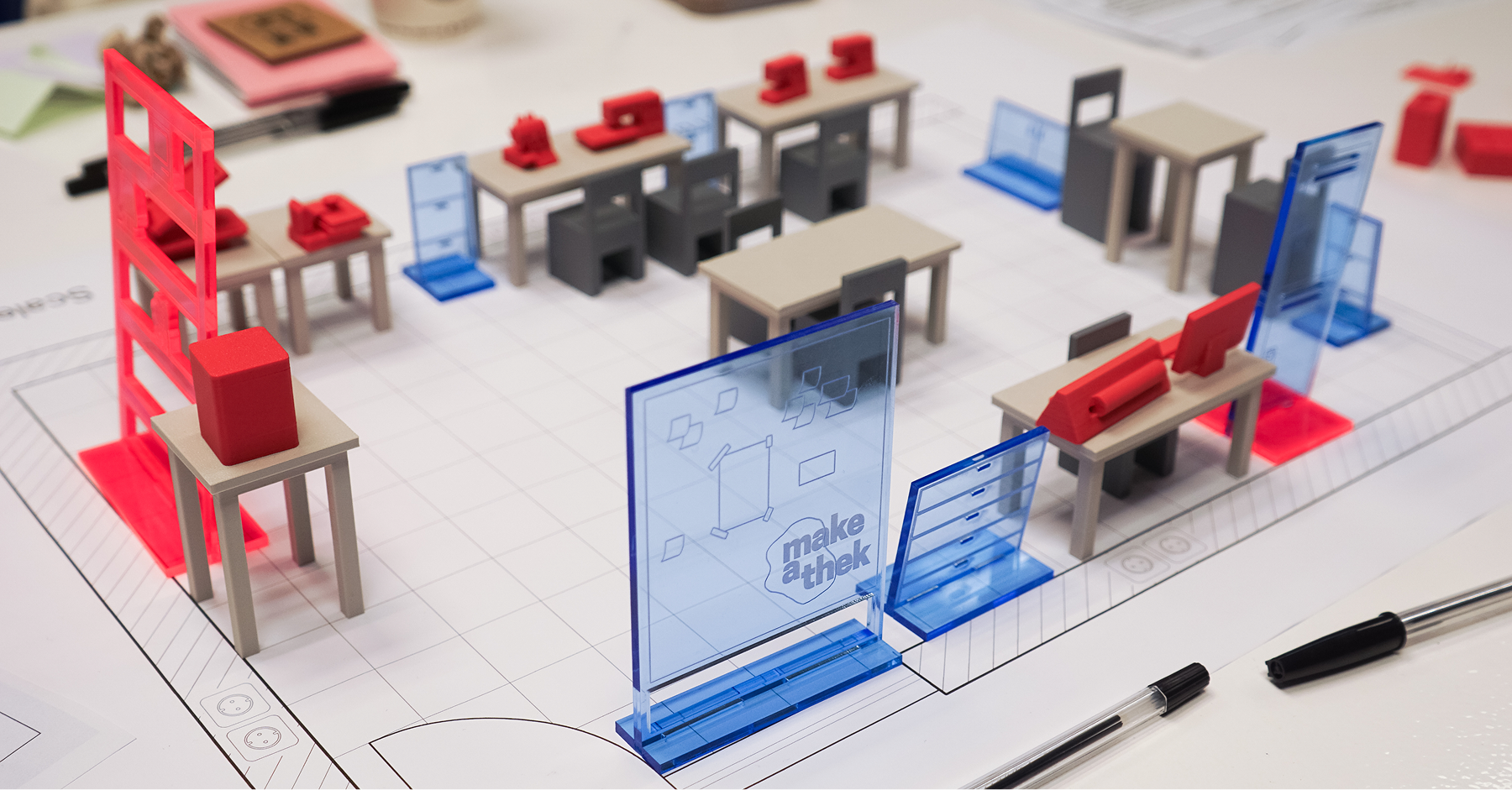
make-a-thek Space Planner
How to design a make-a-thek space using a physical and digital planning kit.

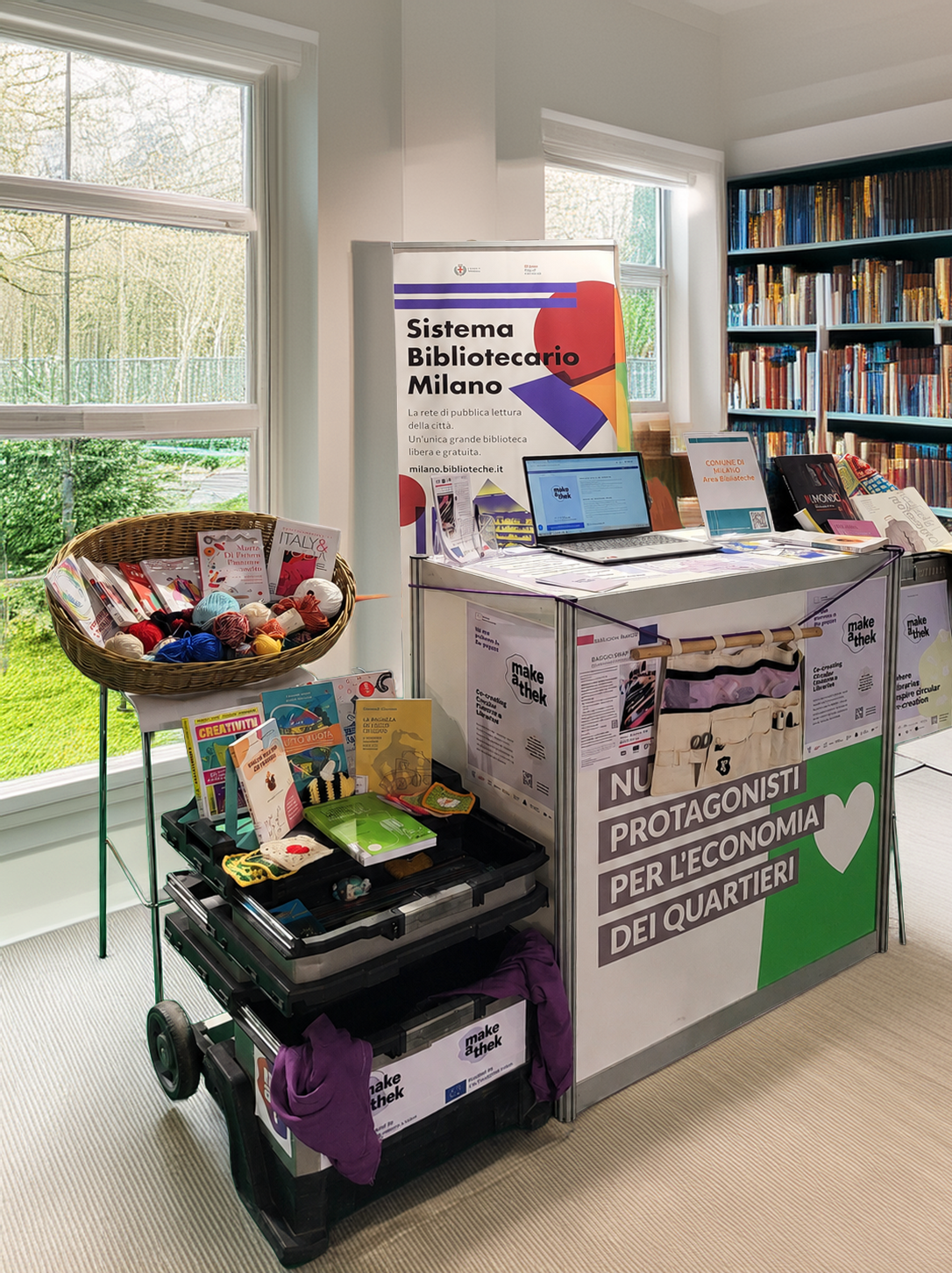
Set-up guidelines for Temporary Spaces
How to set up and manage flexible or pop-up makerspaces in your library.
Physical Spaces -
Develop a more recognisable and flexible set-up, with clearer activity zones, storage systems, accessible information and layouts that support both everyday use and workshops.
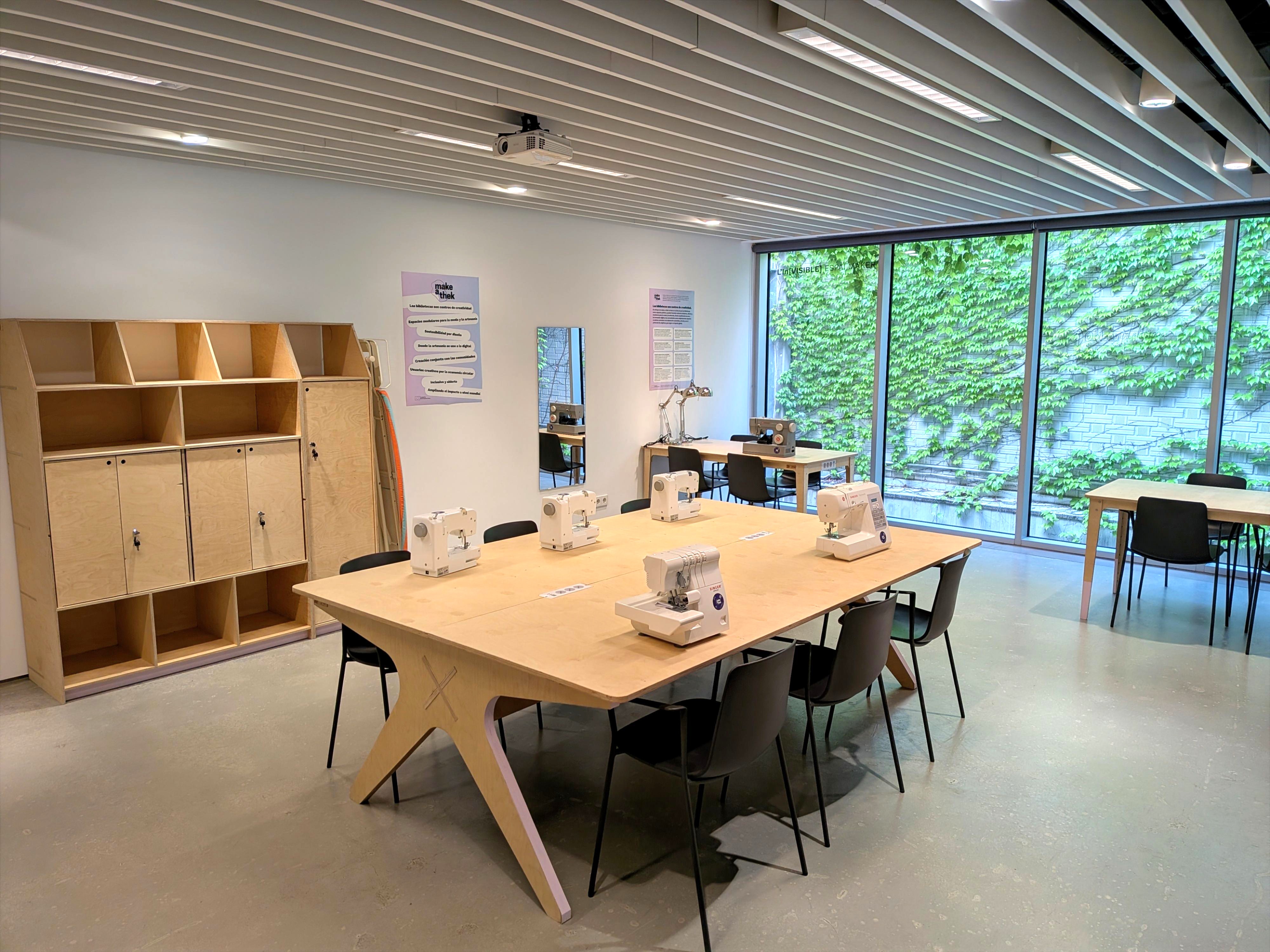
Set-up guidelines for Fixed Spaces
How to plan and organize a permanent, dedicated make-a-thek area.
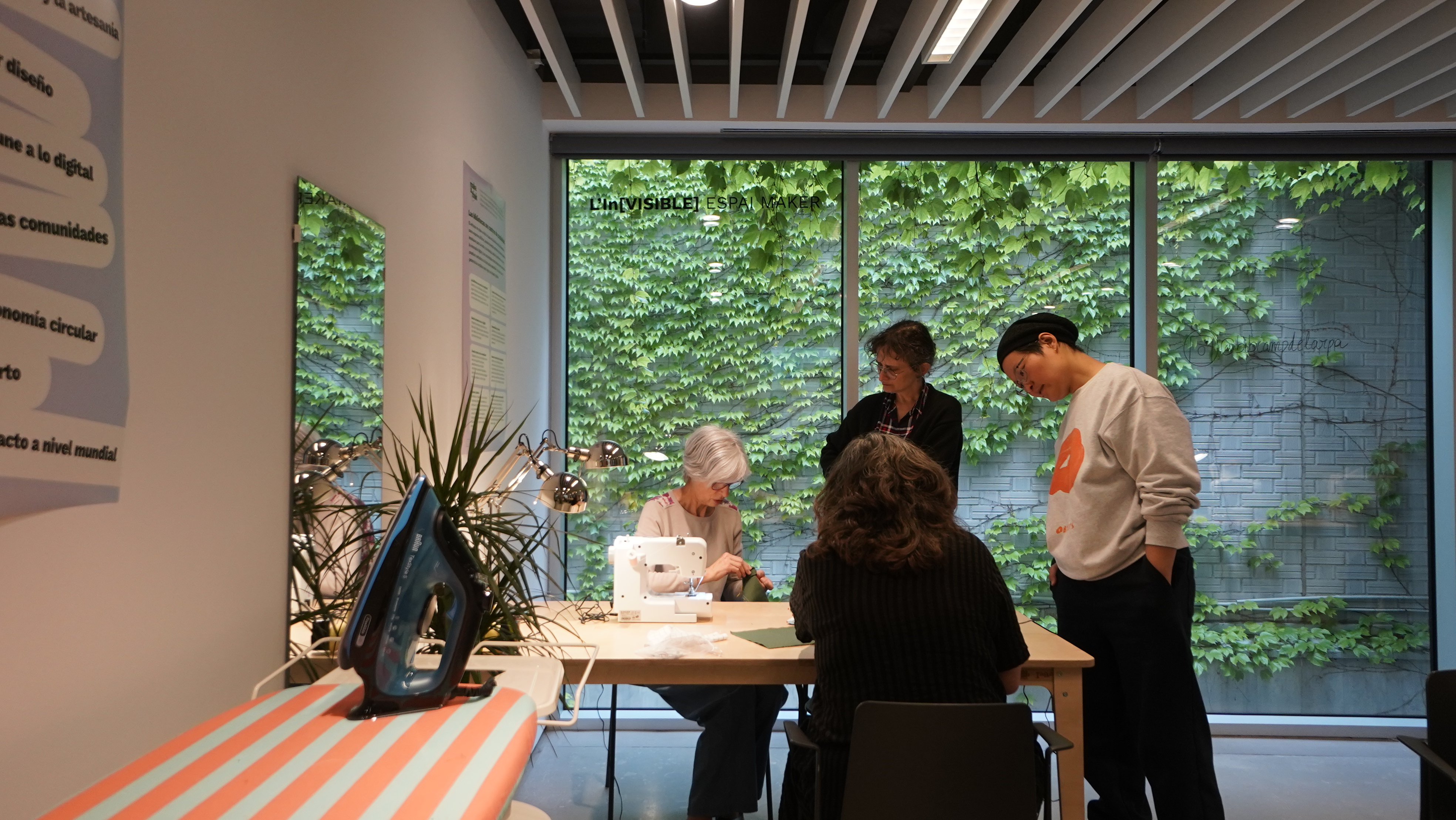
How to use the spaces
Guidance on using your space responsibly, from selected machines and materials to shared rules and planned activities.
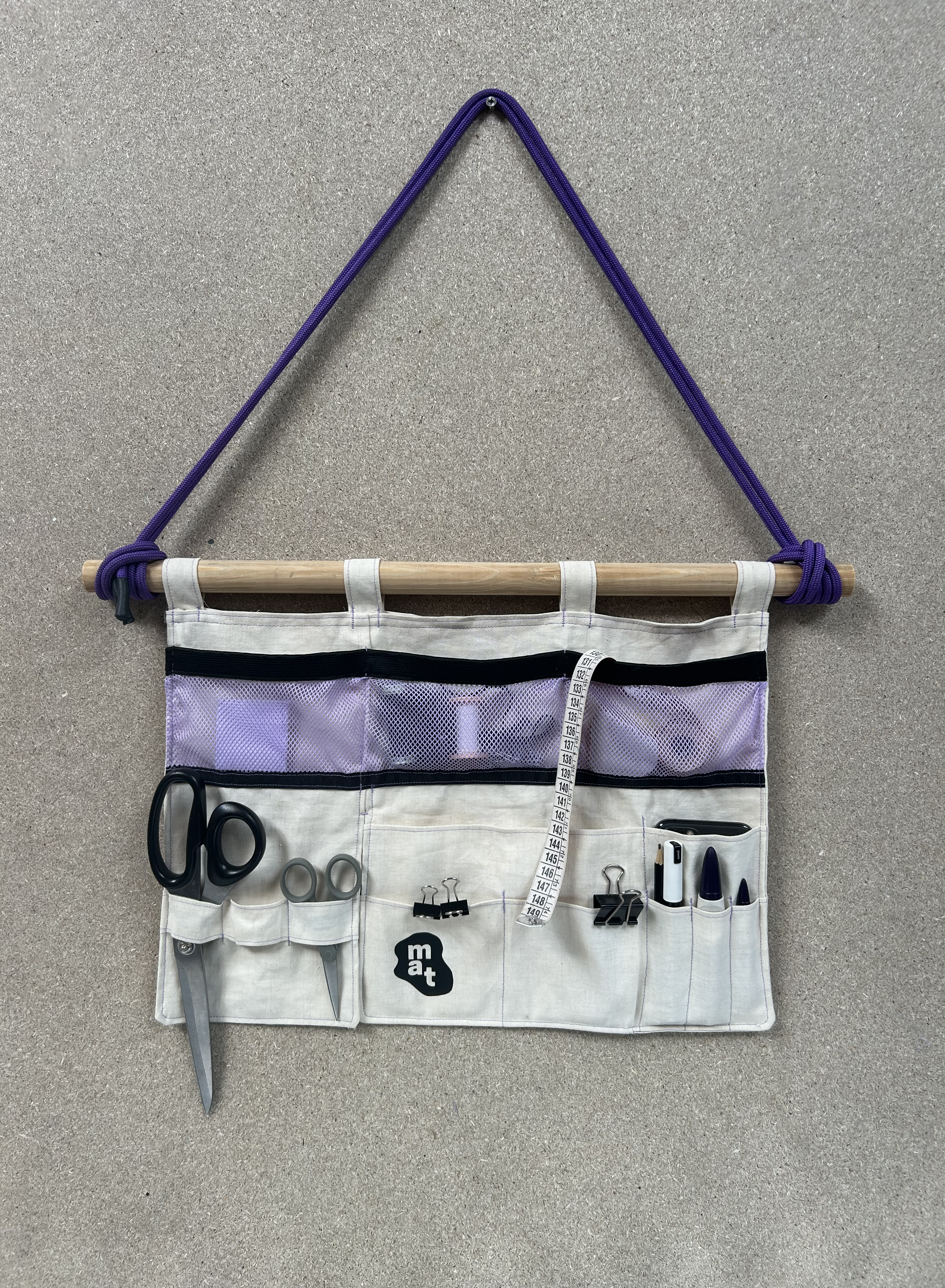
Wearable Wall Organizer
A step-by-step guide to sew a versatile tool organizer that can be worn, hung, and customized for your make-a-thek space.
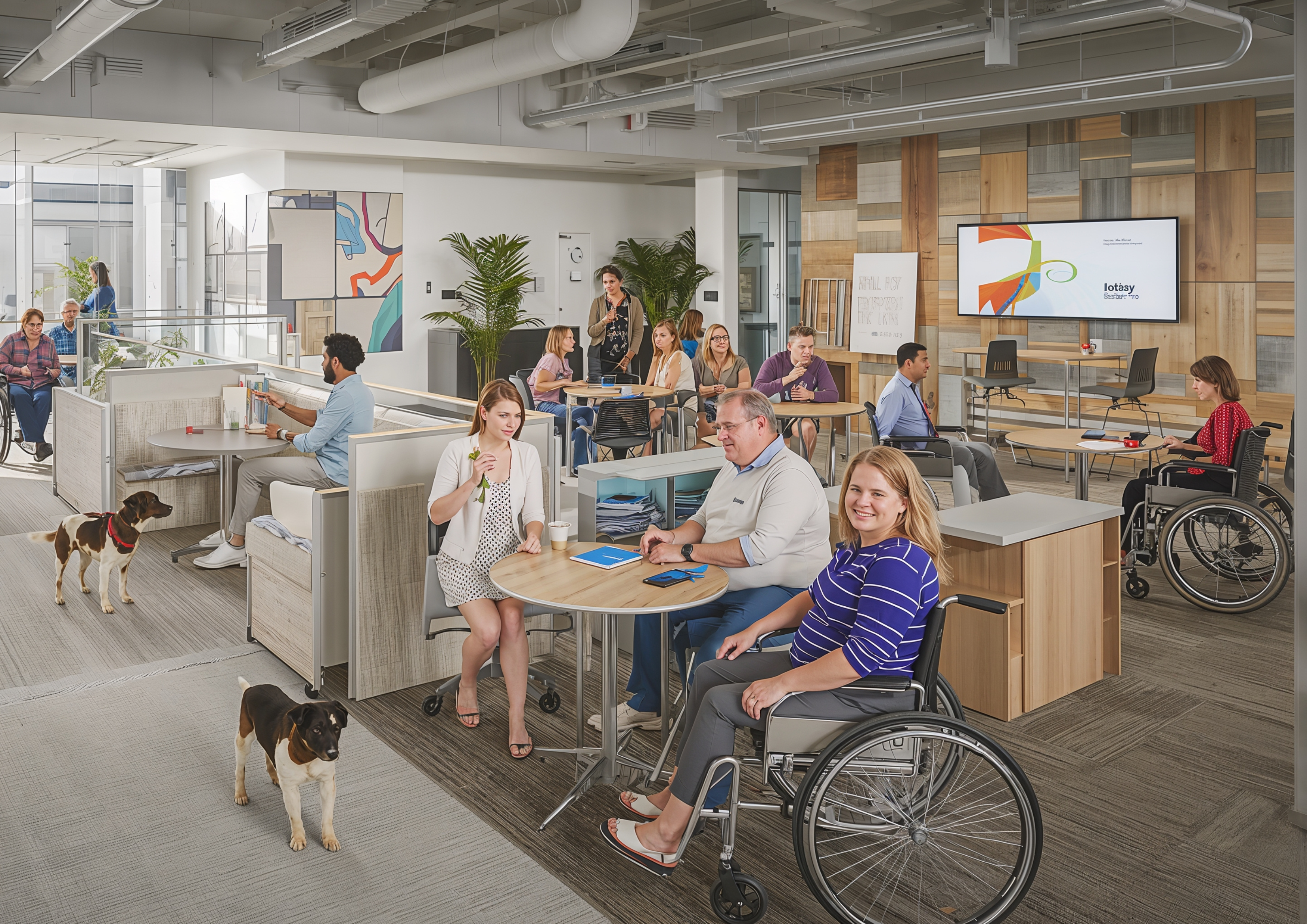
Basic principles of accessible space
focus on article: Basic principles of accessible space How to ensure your makerspace is inclusive and accessible for a wide range of users.
Tools & Machines -
Start with what is available. Use simple tools and machines that support introductory making, repair and experimentation, choosing them with community interests and staff capacity in mind.
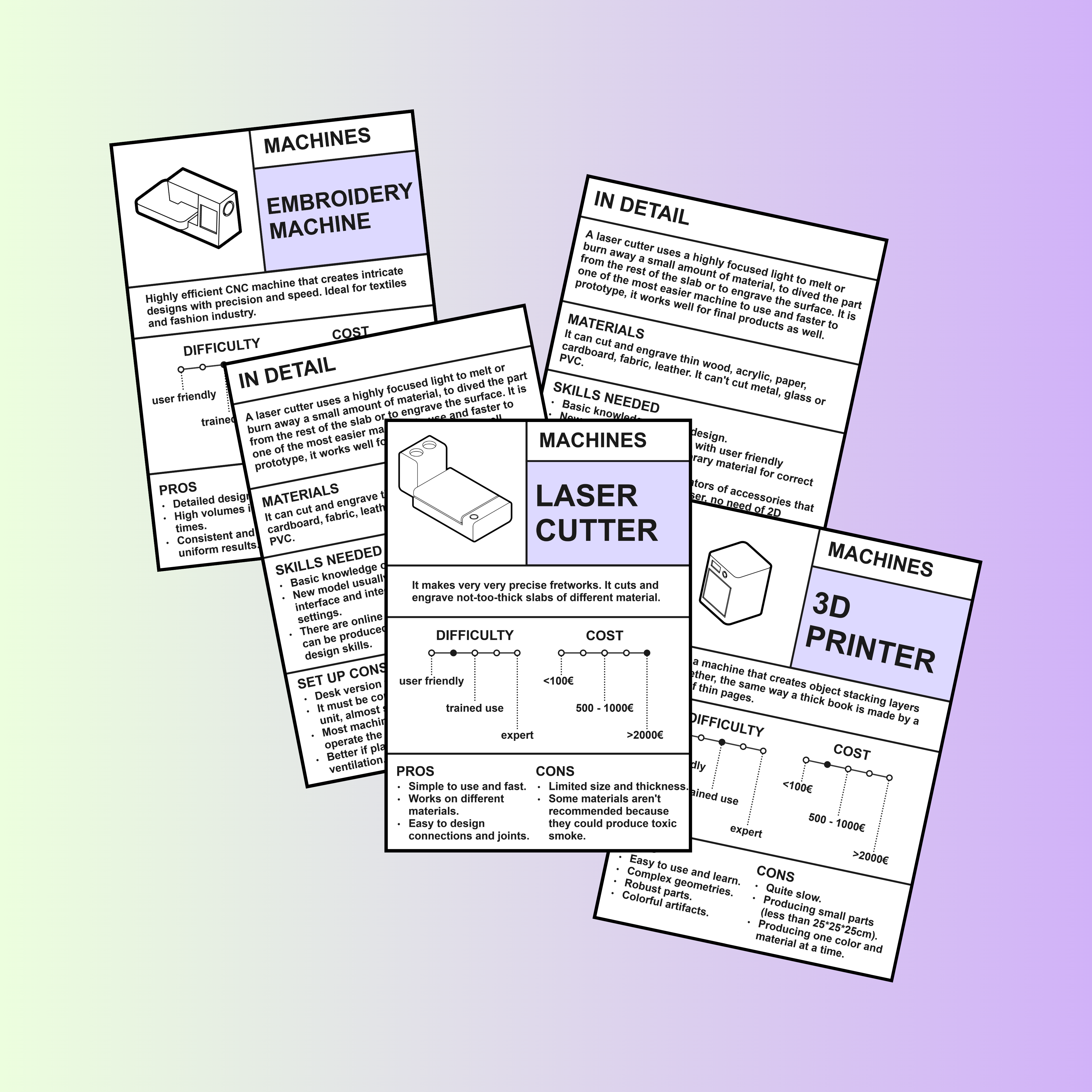
Machine Cards
A practical set of cards to explore key machines: what they do, their pros and cons, required skills, and approximate costs.
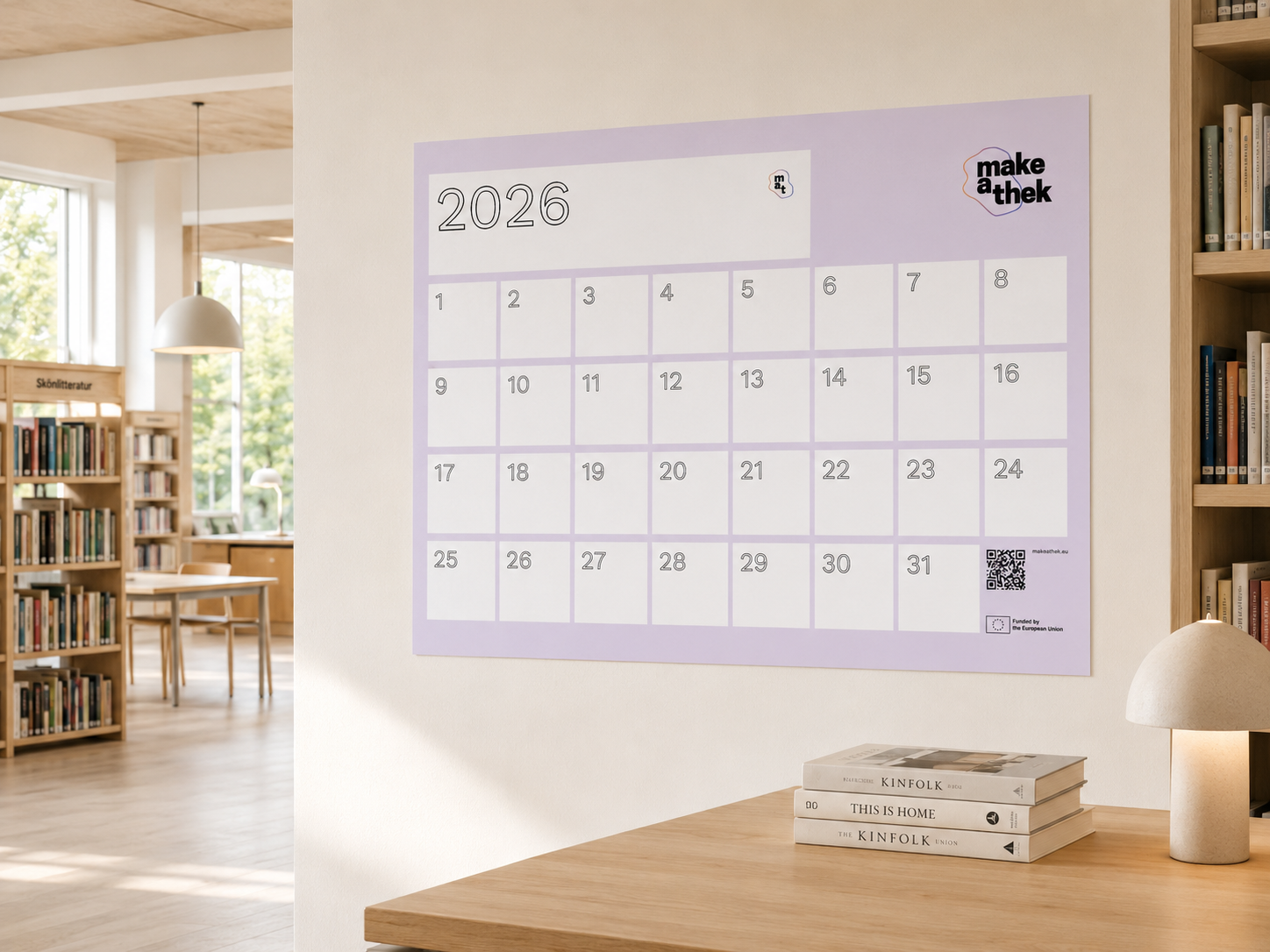
Booking system
A printable poster tool to help manage the booking of machines and spaces.
Tools & Machines -
Build a more versatile toolset, with clearer instructions, booking systems, maintenance routines and beginner-friendly support that helps users gain confidence and autonomy.
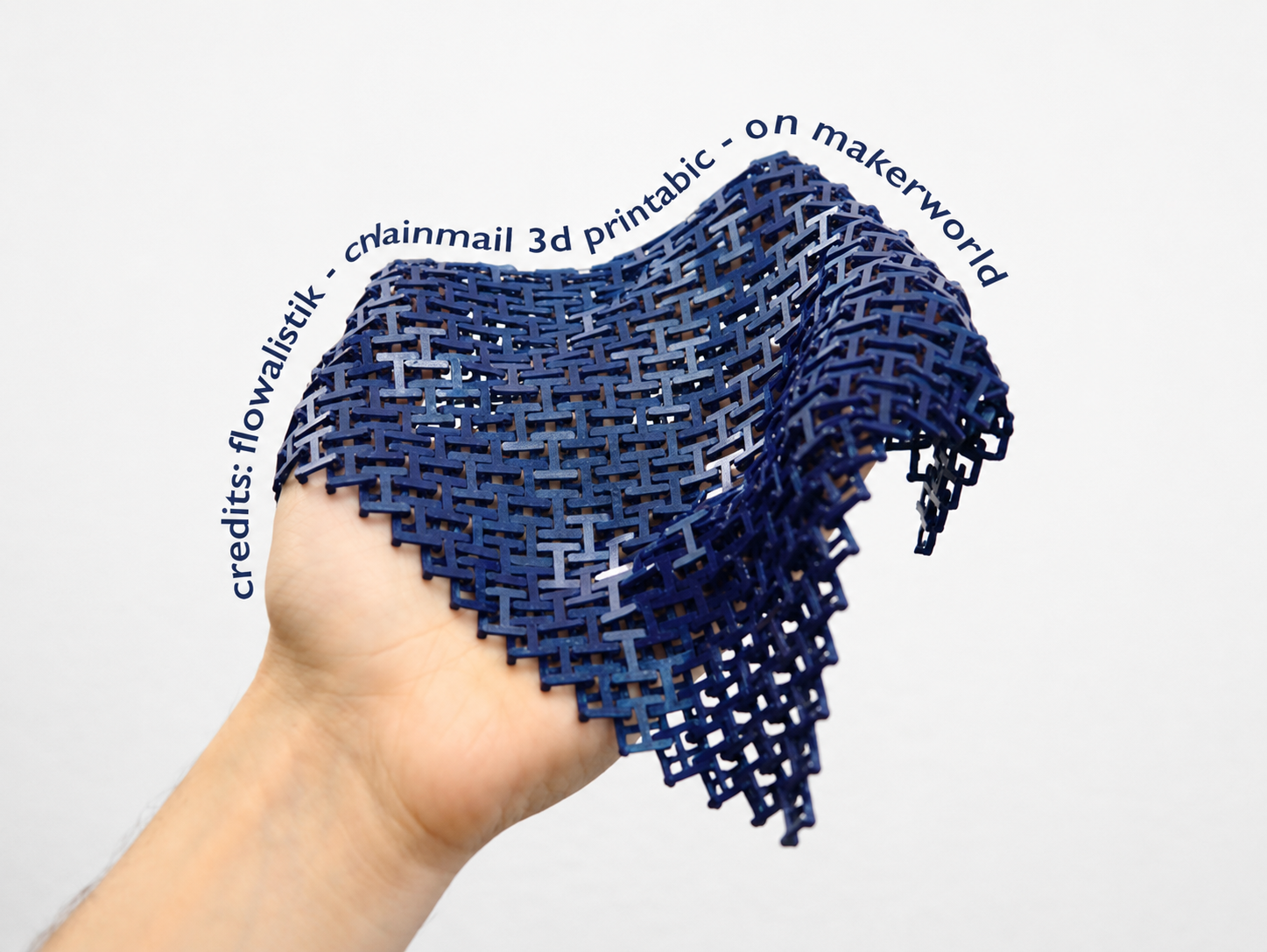
What you can do with machines and materials
A practical guide to what you can create by combining machines, materials and activities.
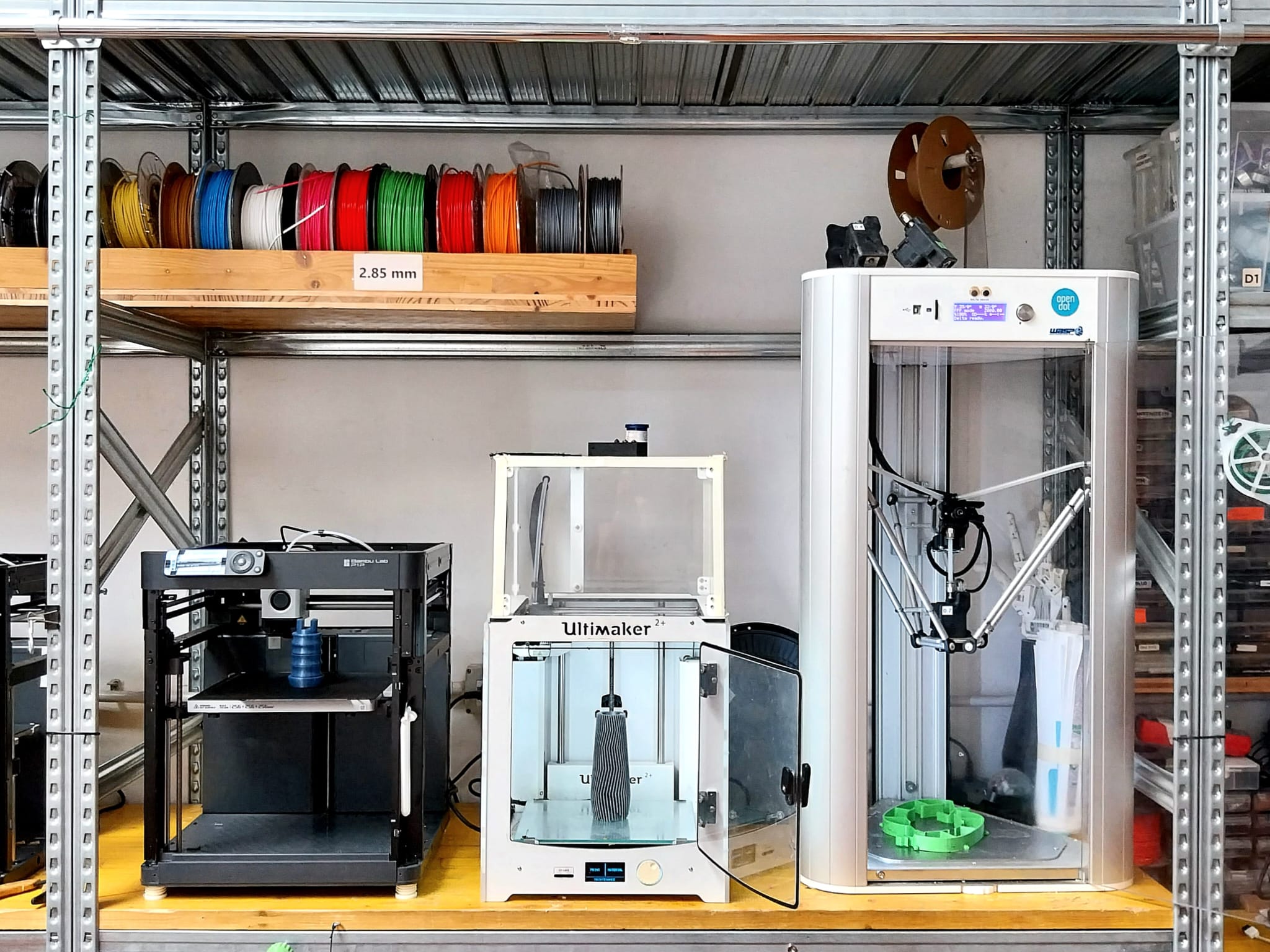
Machine Tutorials
How to use key machines: a practical guide to materials, workflows, safety notes and creative uses.
Tools & Machines -
Develop a coherent equipment strategy, supported by well-maintained machines, trained and autonomous users, shared skills, documented workflows and long-term renewal planning.
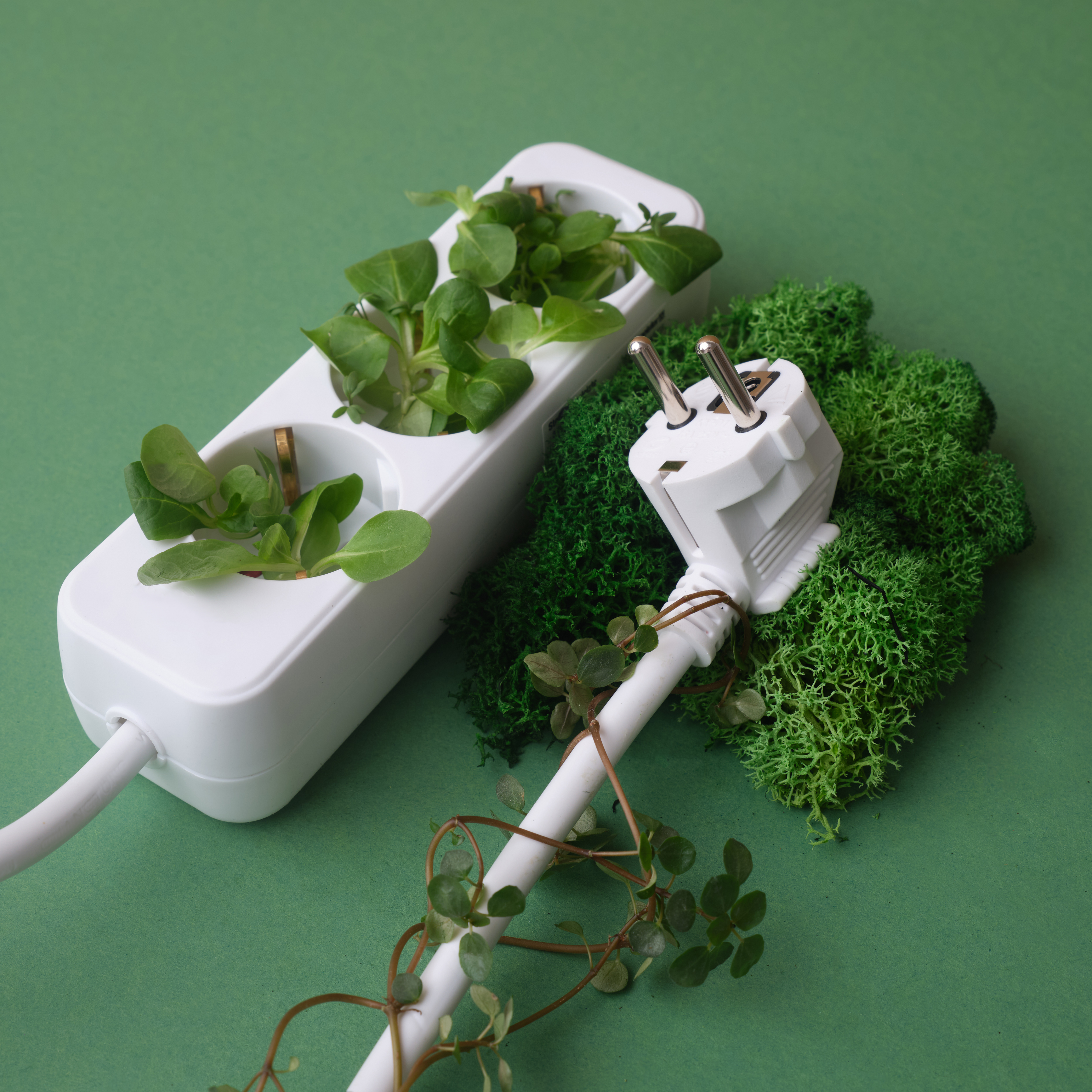
Best practices for energy efficiency
Best practices for energy efficiecy on how to design and manage your space with sustainability and energy-saving in mind.
Materiality -
Develop organised collection and storage systems, connect materials to machines and activities, and establish local partnerships for collecting and reusing surplus resources.

Collecting materials
How to collect, manage and reuse surplus materials through local partnerships and community contributions.
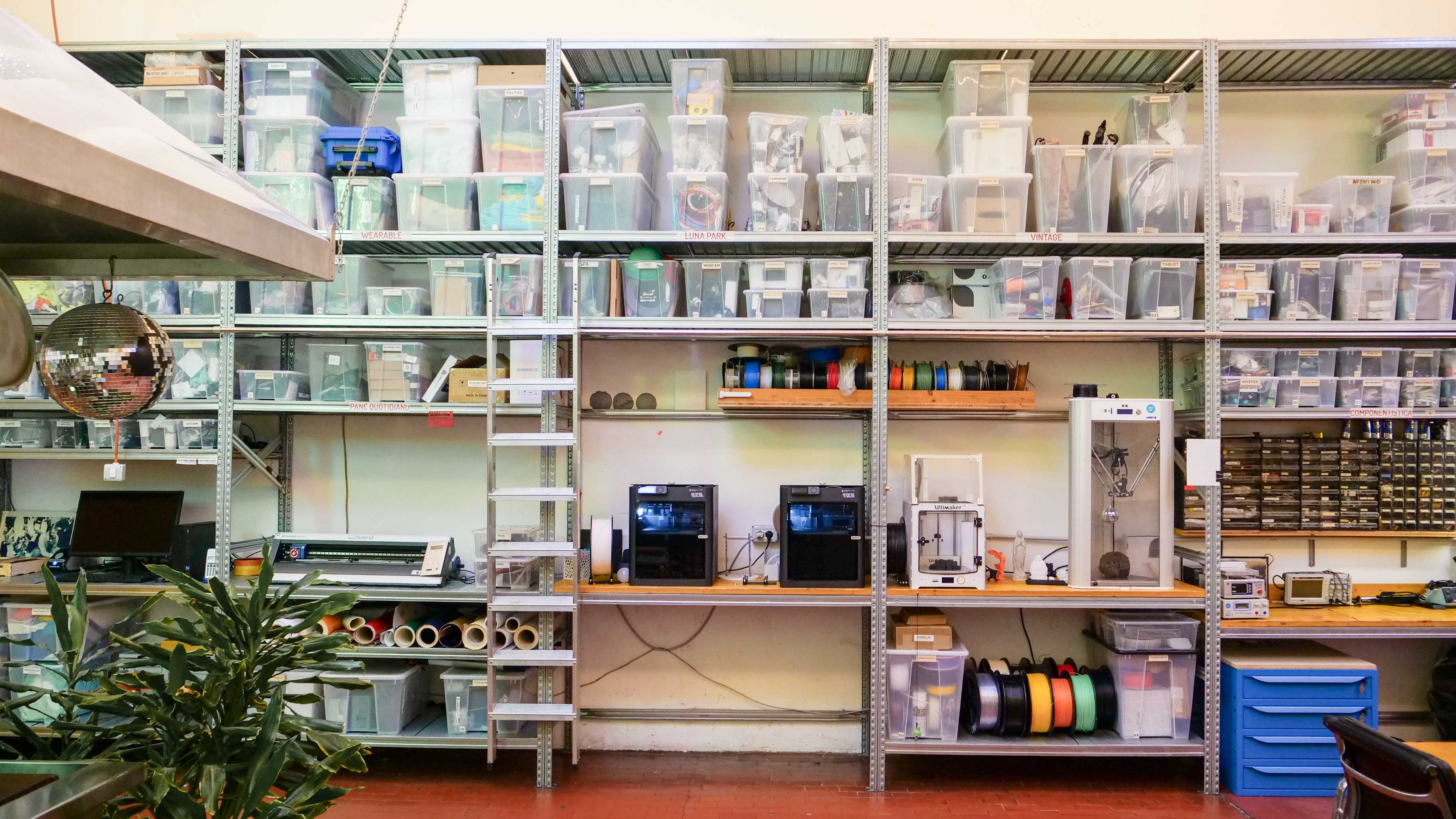
Storage Systems
How to organise tools, materials and resources in a clear, safe and easy-to-use way.
Materiality -
Embed material circularity into the space through a structured material library, documented material flows, local sourcing strategies and long-term practices for reuse, repair and regeneration.
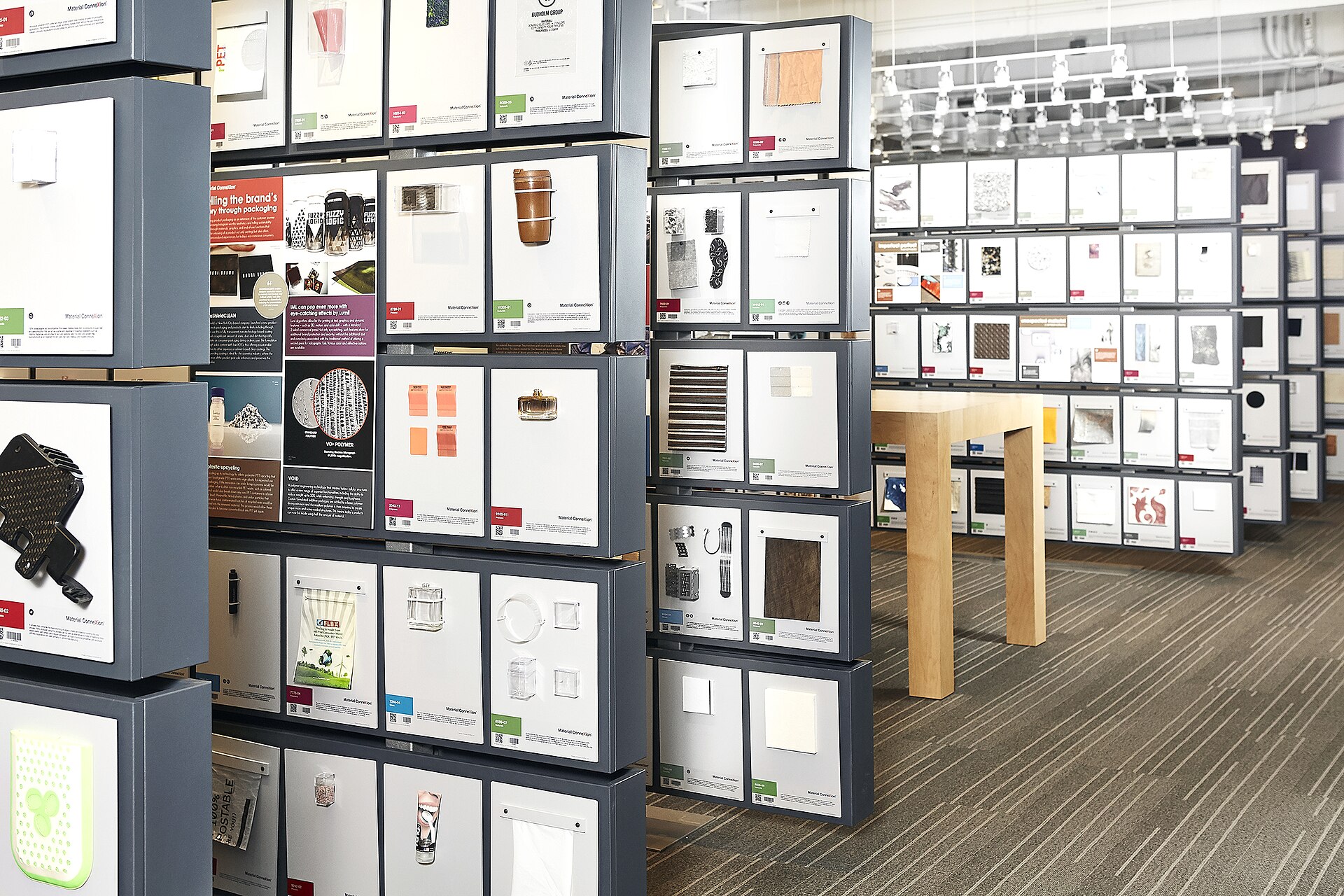
Building a Physical Material Library
Step-by-step guidance to collect, label, store, display, and manage physical material samples in your make-a-thek space.
Activities -
Start with simple, low-barrier activities that do not require previous experience. Focus on first engagement, confidence building and accessible participation.
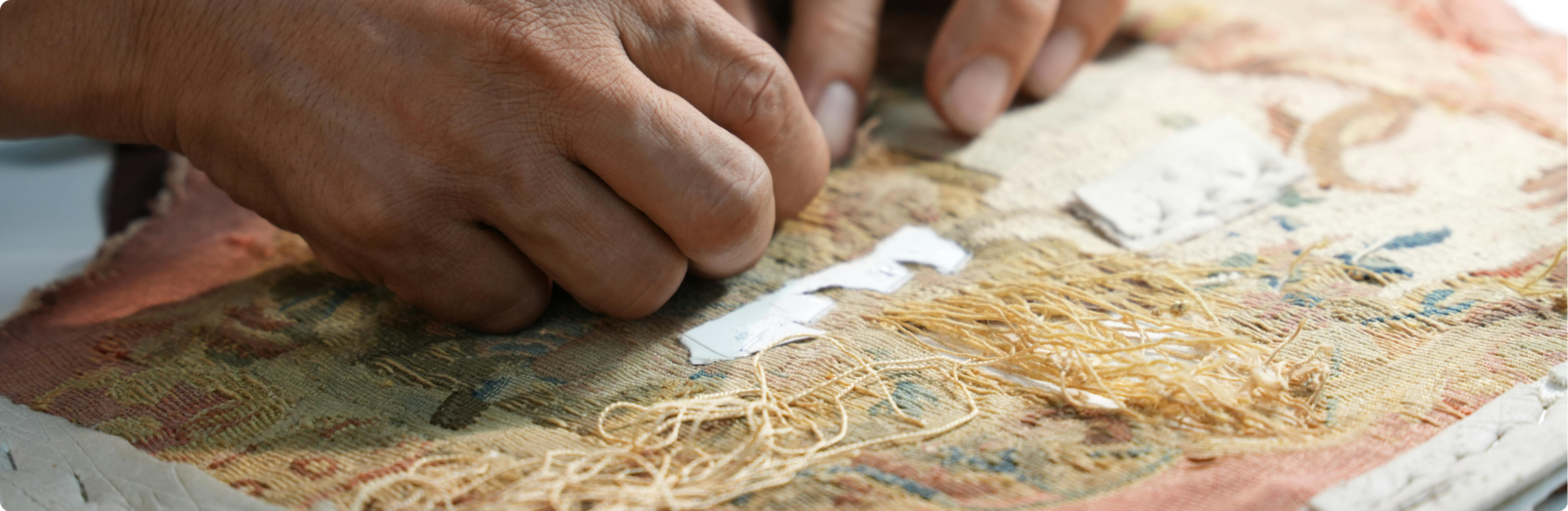
Analogue Activity Ideas
Examples and simple activities using analogue tools, craft techniques, and accessible materials.
Activities -
Develop recurring formats, clearer instructions and activity documentation. Build continuity through workshop series, peer learning and collaboration with local experts.
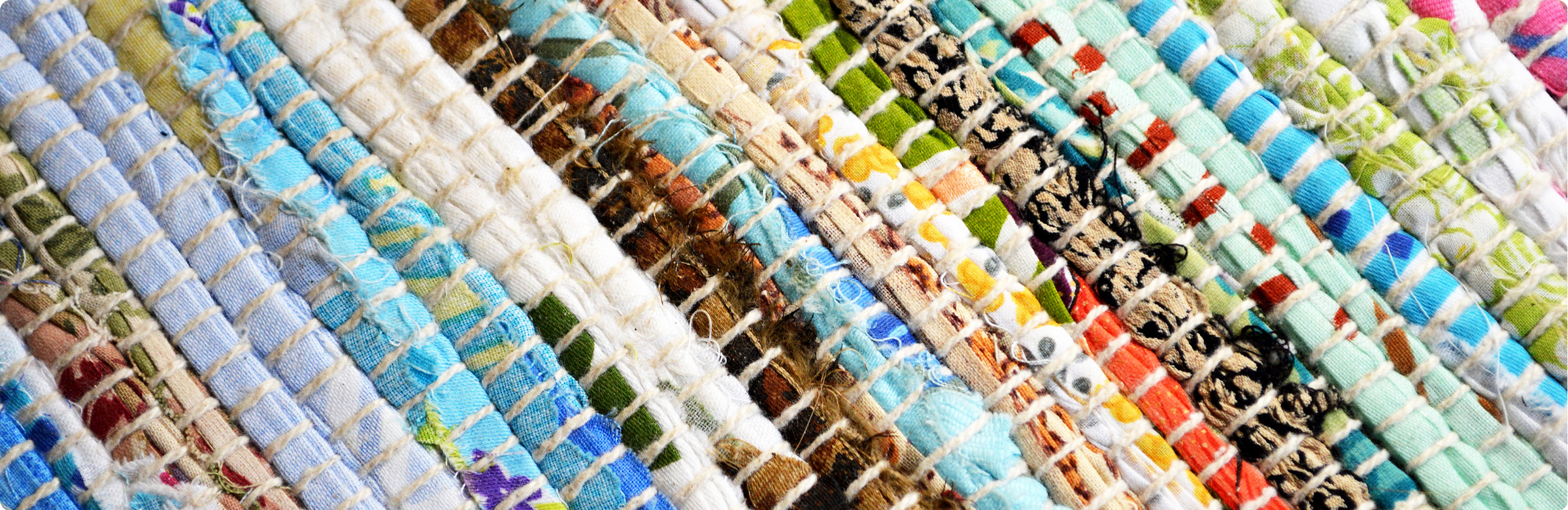
Starting Circular Practices
A practical guide to introduce reuse, repair, material care, and circular habits into your make-a-thek activities.
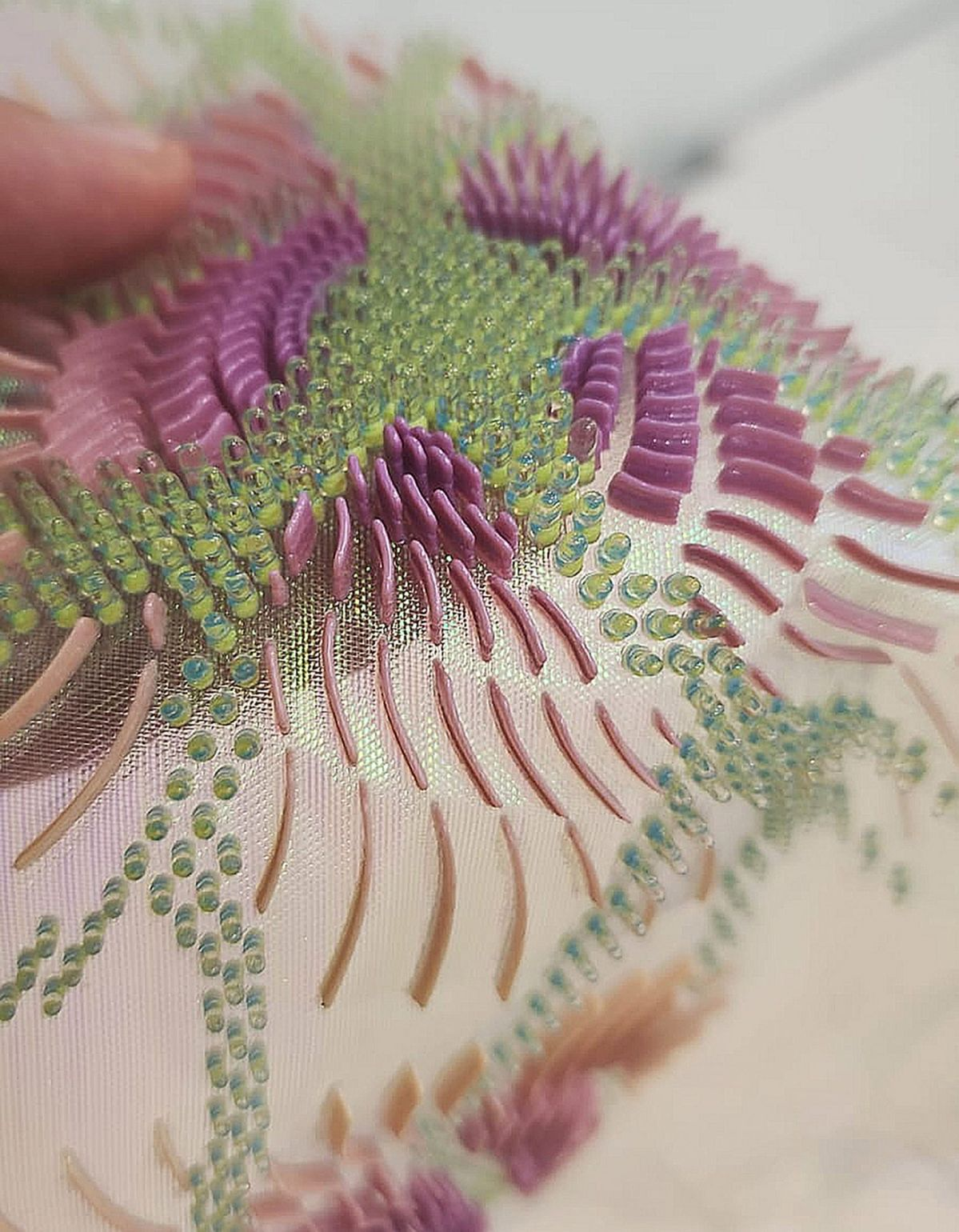
Digital Activity Ideas
Examples and simple activities using digital tools, machines, and creative technologies.
Network -
Identify current and potential users, local experts and relevant organisations. Start building relationships through conversations, mapping activities and small collaborations.
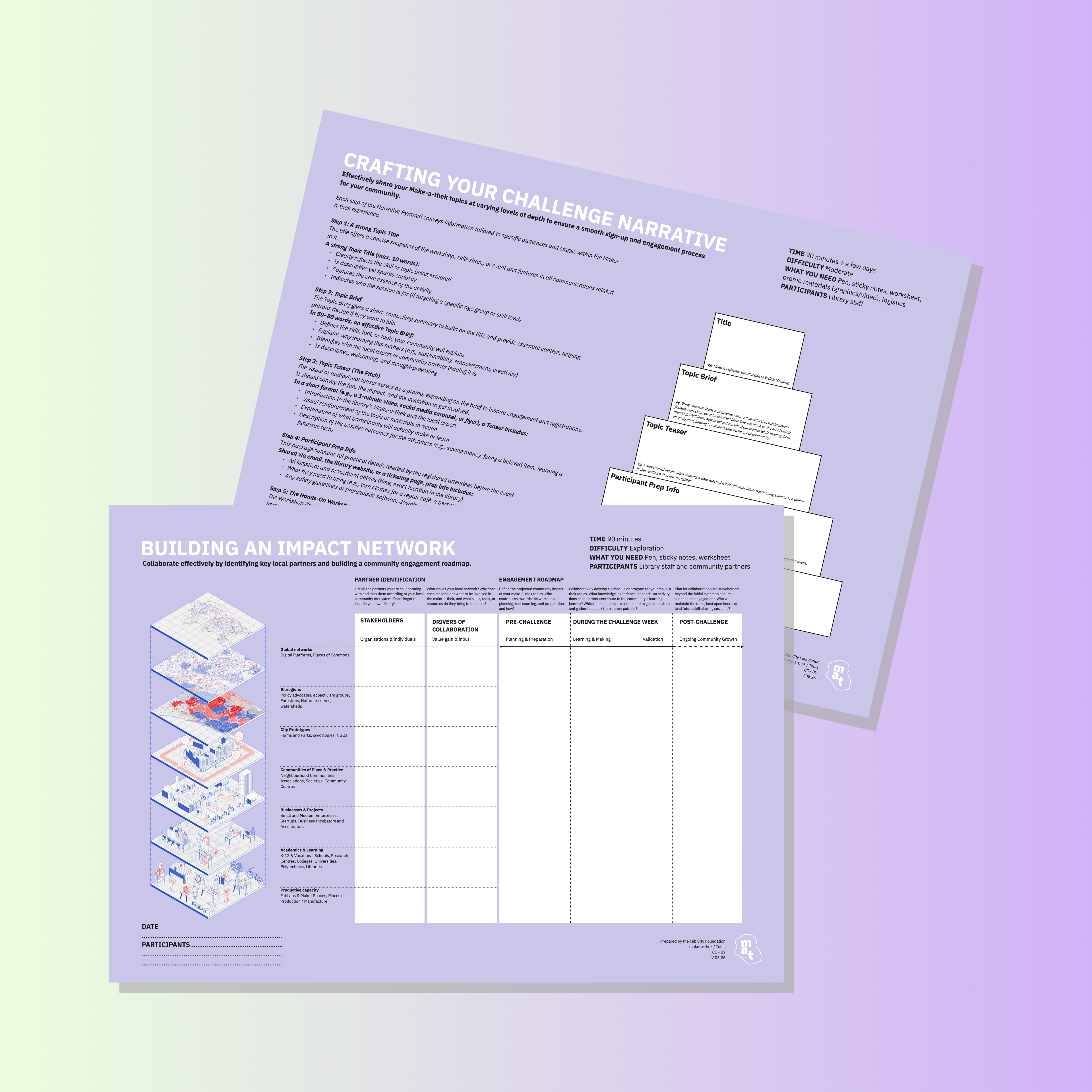
How to work on your network
How to build local partnerships with organizations, artists, start-ups, and more.
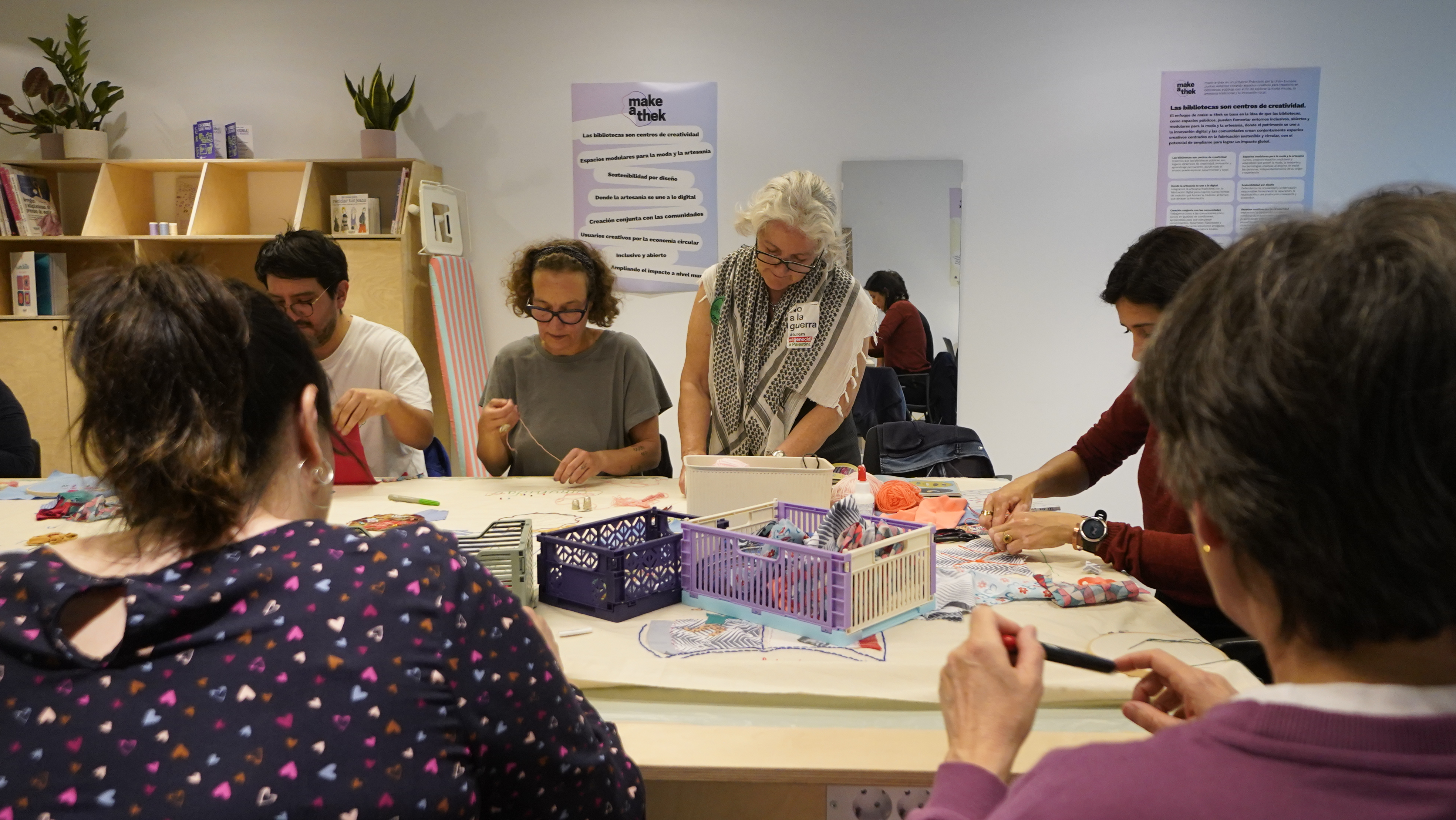
Working with communities
Best practices in community outreach and communication strategies.
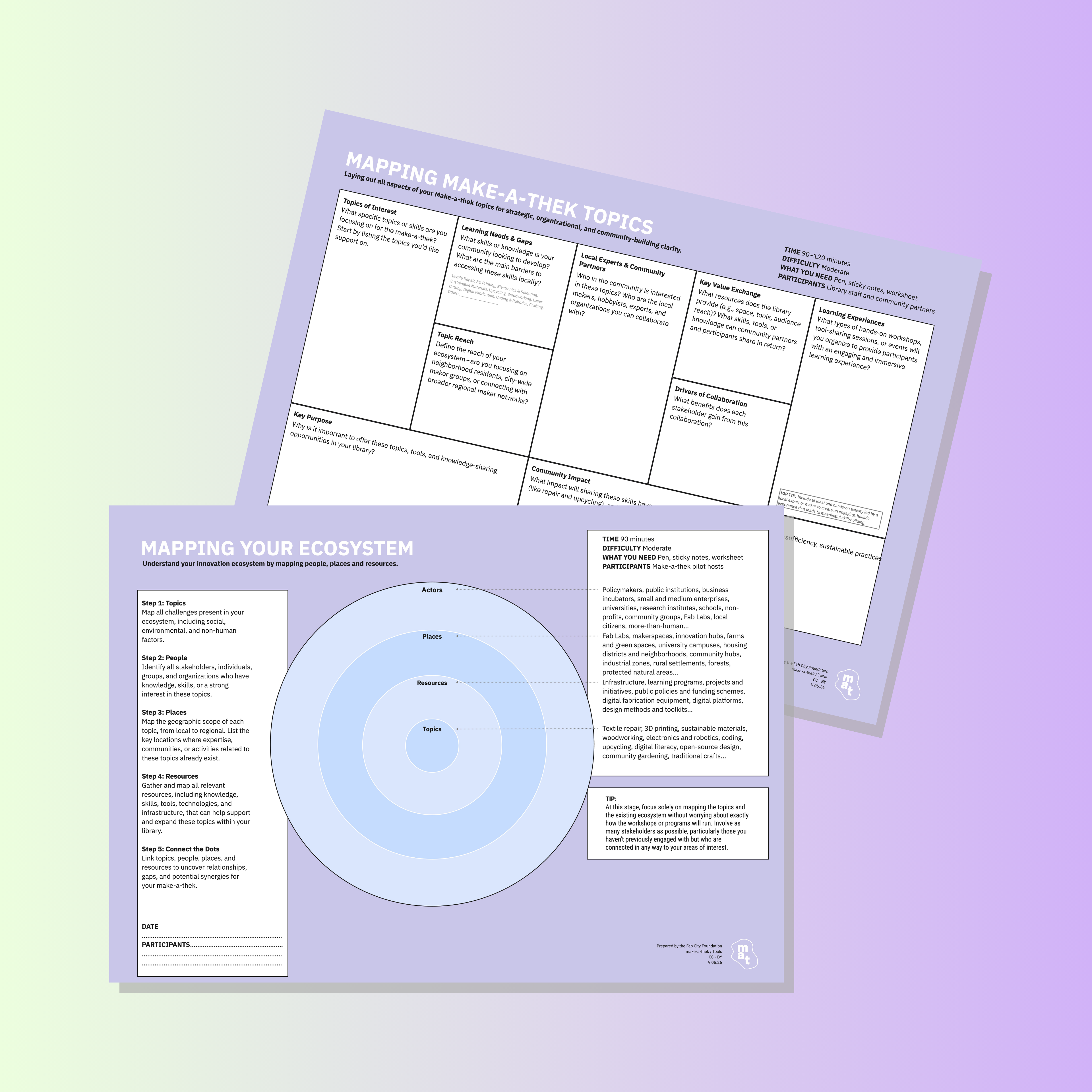
How to map local experts
How to identify local professionals and creatives who could contribute to your project.
Network -
Develop recurring partnerships with clear roles and shared goals. Involve local actors in activities, material collection, training and community engagement.
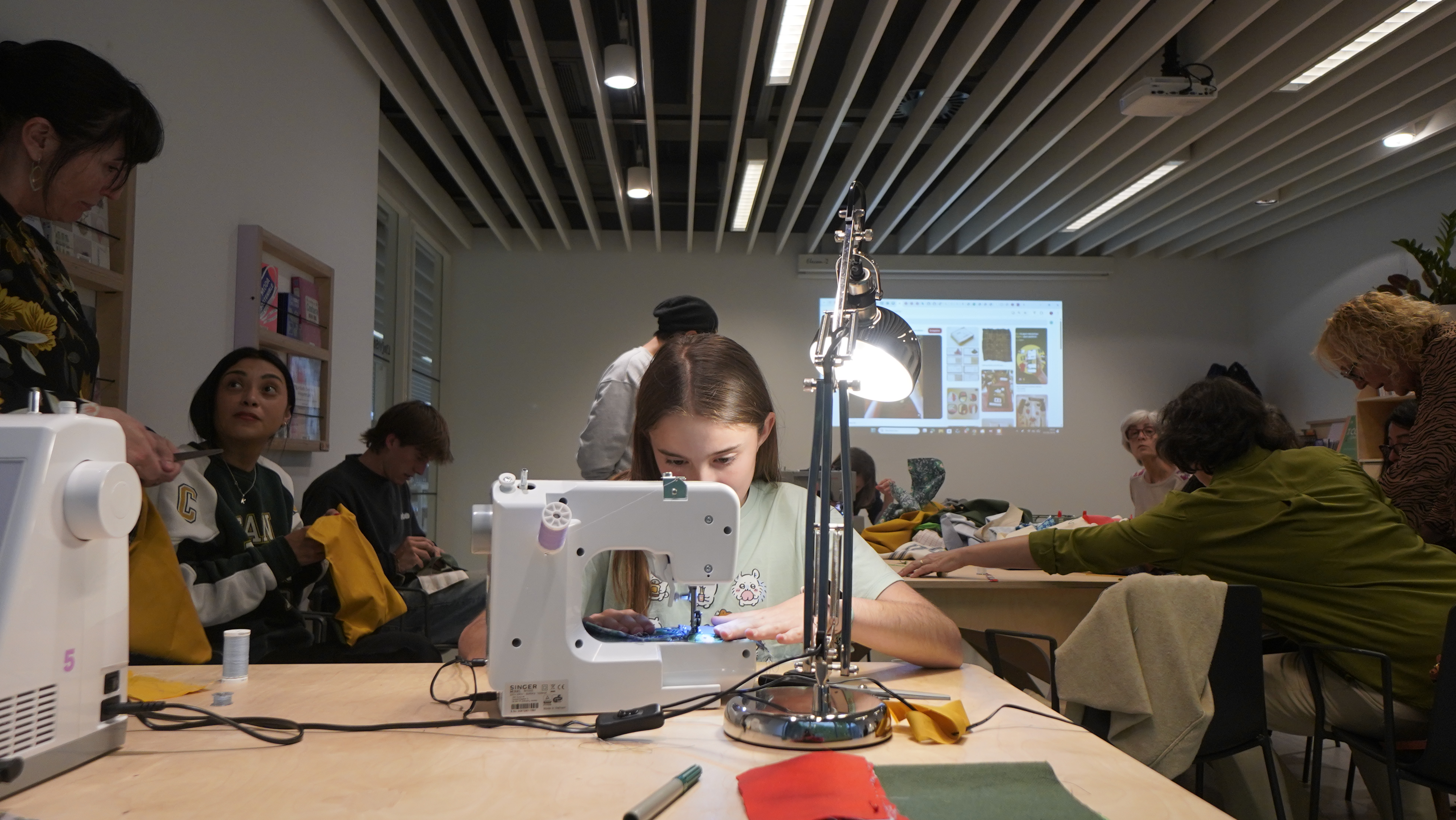
How to Map Your Users
A simple method to identify and understand your current and potential user base.
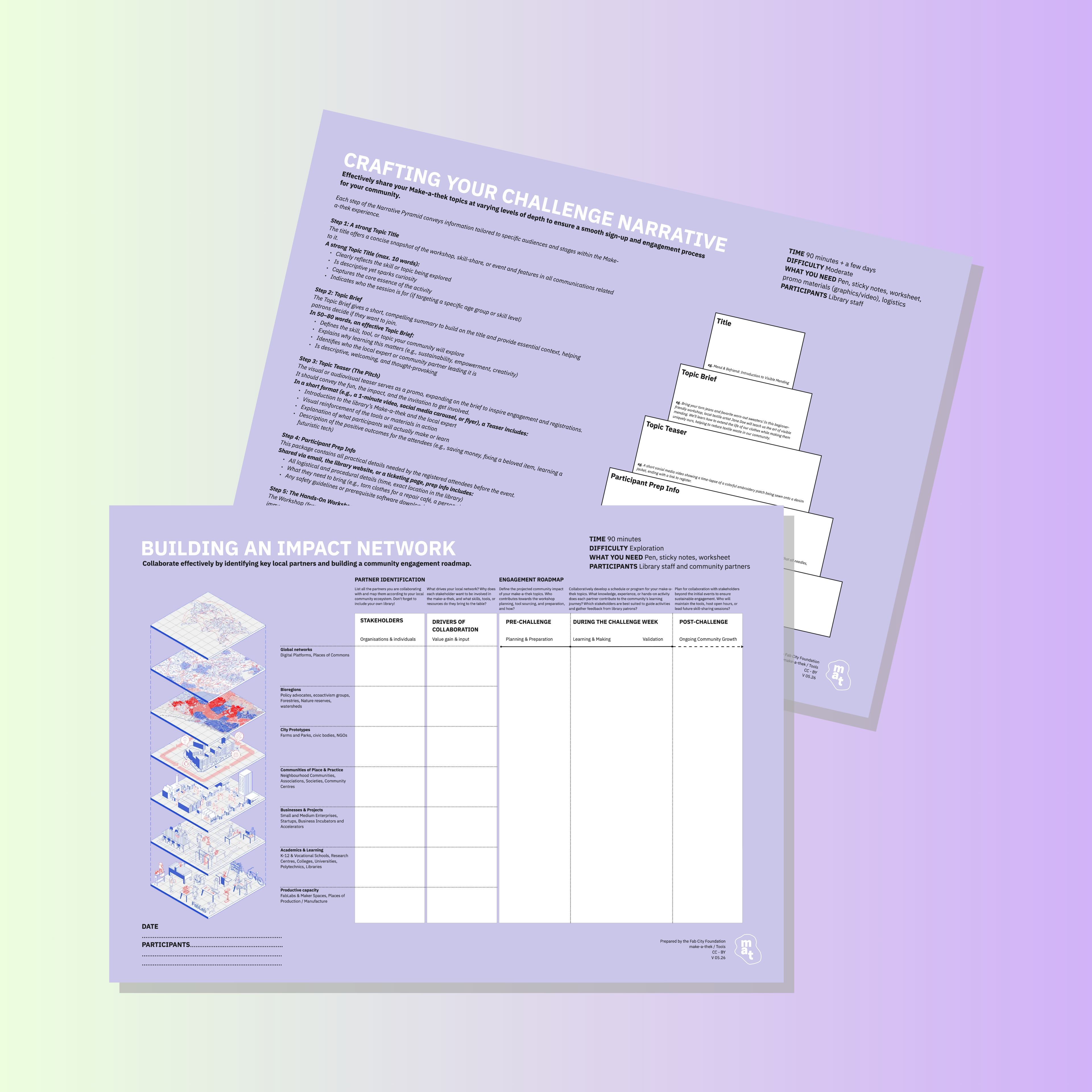
Network of Experts
How to find local skill mediators, circular collaborators and community talents for your make-a-thek project
Network -
Build a resilient and mutually supportive ecosystem in which partners and community members contribute knowledge, resources and opportunities, while the library actively shares its own experience with others.

Basic practices for inclusiveness
Tips and guidelines to foster participation, belonging and representation for diverse user groups.
Communication -
Clearly explain what the space is, who it is for and how people can participate. Use simple language, visible information and accessible communication channels.
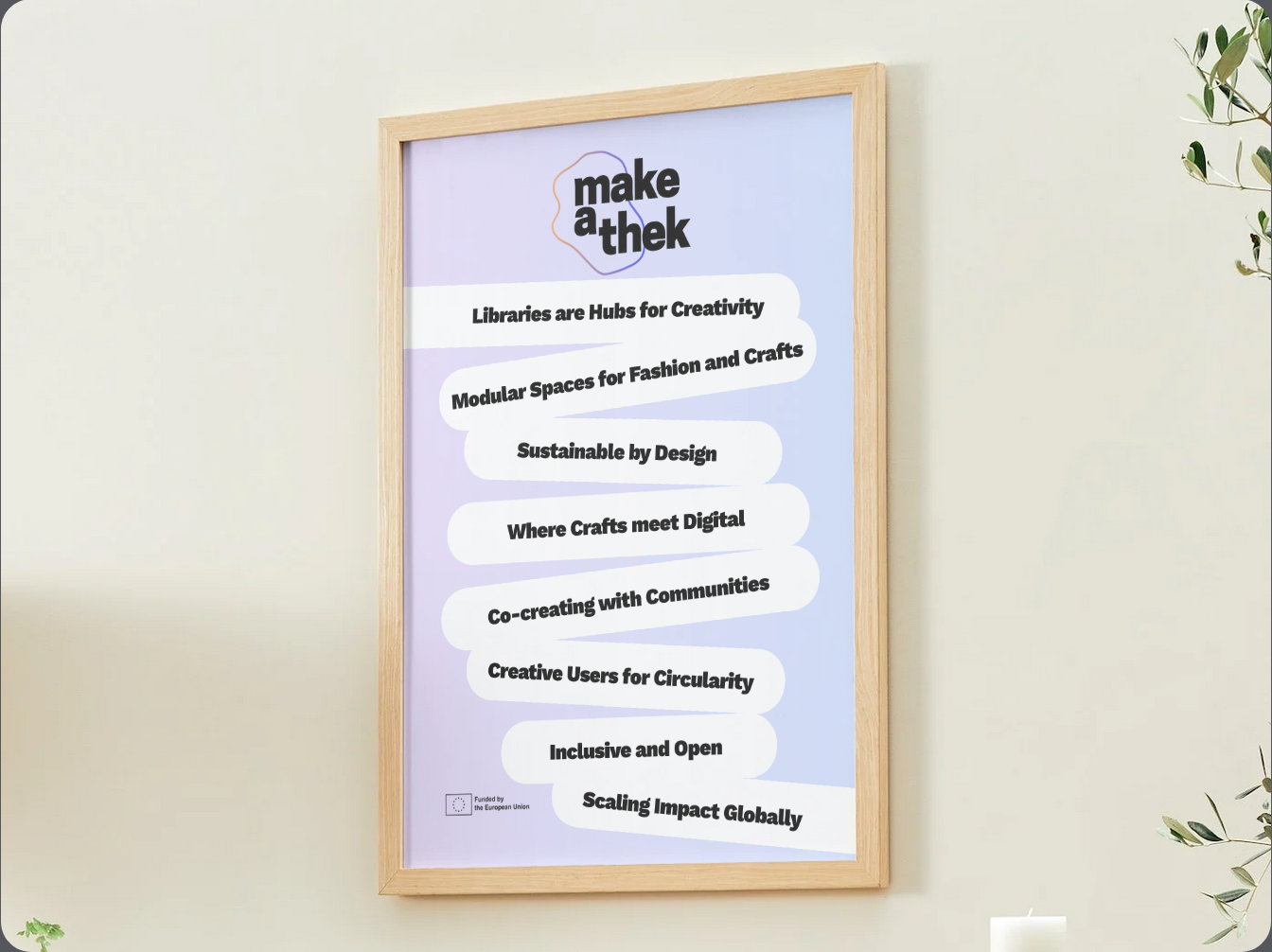
make-a-thek Manifesto
What drives us can inspire you too. Make the Manifesto your own: share it, spread it, and let its values guide your actions.
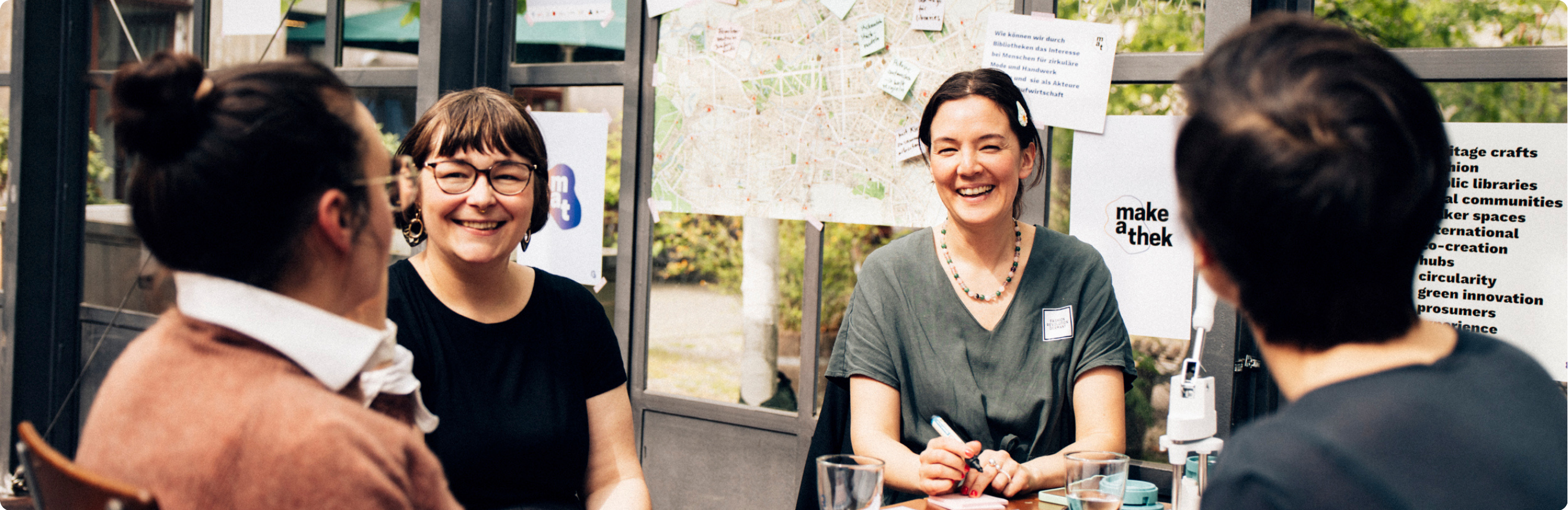
Communication, Photos and Digital Content
How to communicate your make-a-thek activities, collect consent for photos and videos, and share stories with care
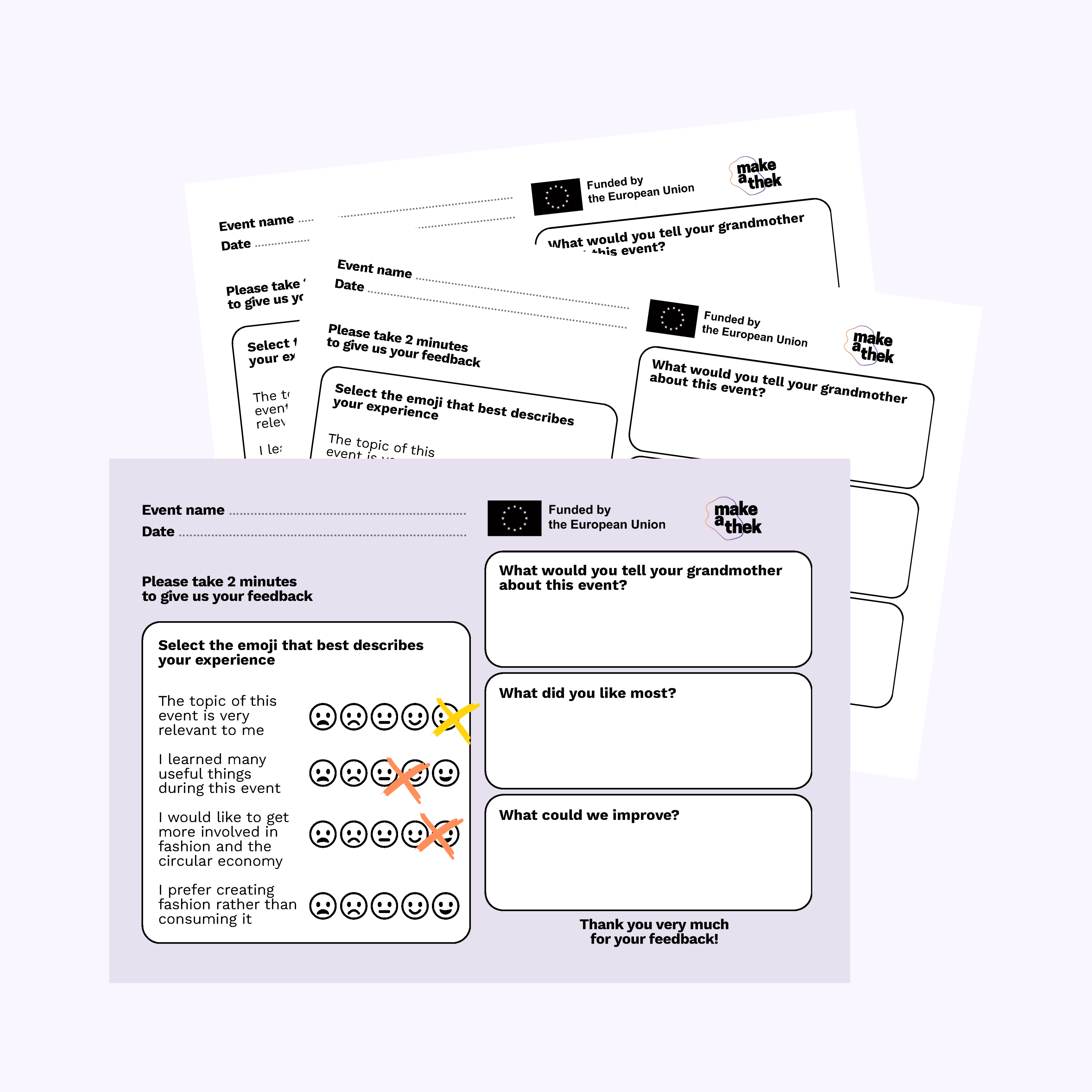
Activity Feedback Cards
A printable tool to collect participants’ experiences, key takeaways and suggestions to improve future activities or events.
Communication -
Develop a consistent communication approach for activities, rules and opportunities. Document what happens, collect feedback and communicate regularly with users, colleagues and partners.
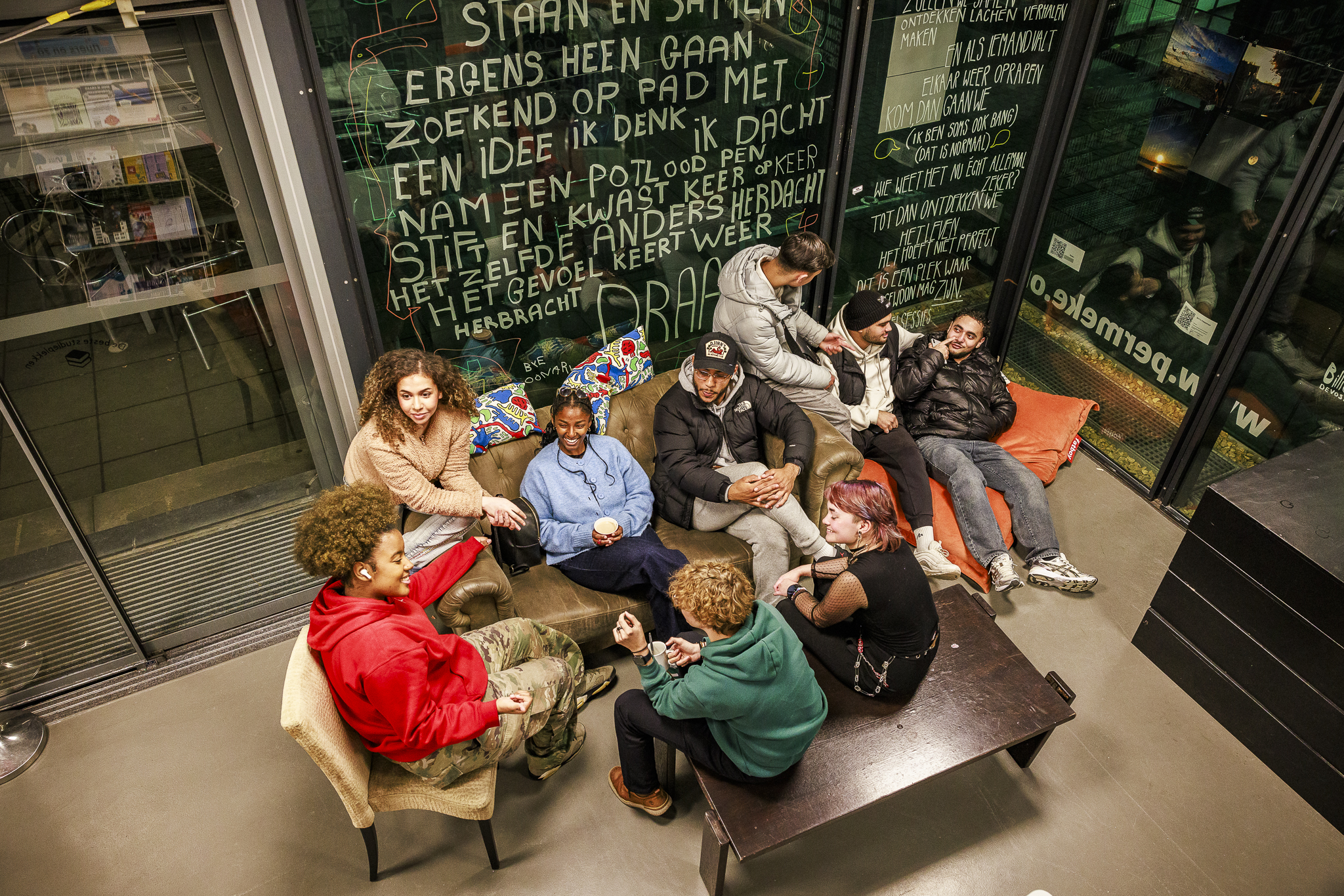
Managing Expectations and Rules
How to explain the make-a-thek as a shared learning space, while setting clear rules and expectations.
Not what you were looking for?
If you feel that the tools are not appropriate for your situation, consider completing the questionnaire again or consulting the available resources directly.
Redo questionnaire Browse the resources by yourself